 Ctrl Dev Docs
CosmosKit Ctrl (fka XDEFI) Integration
Get started
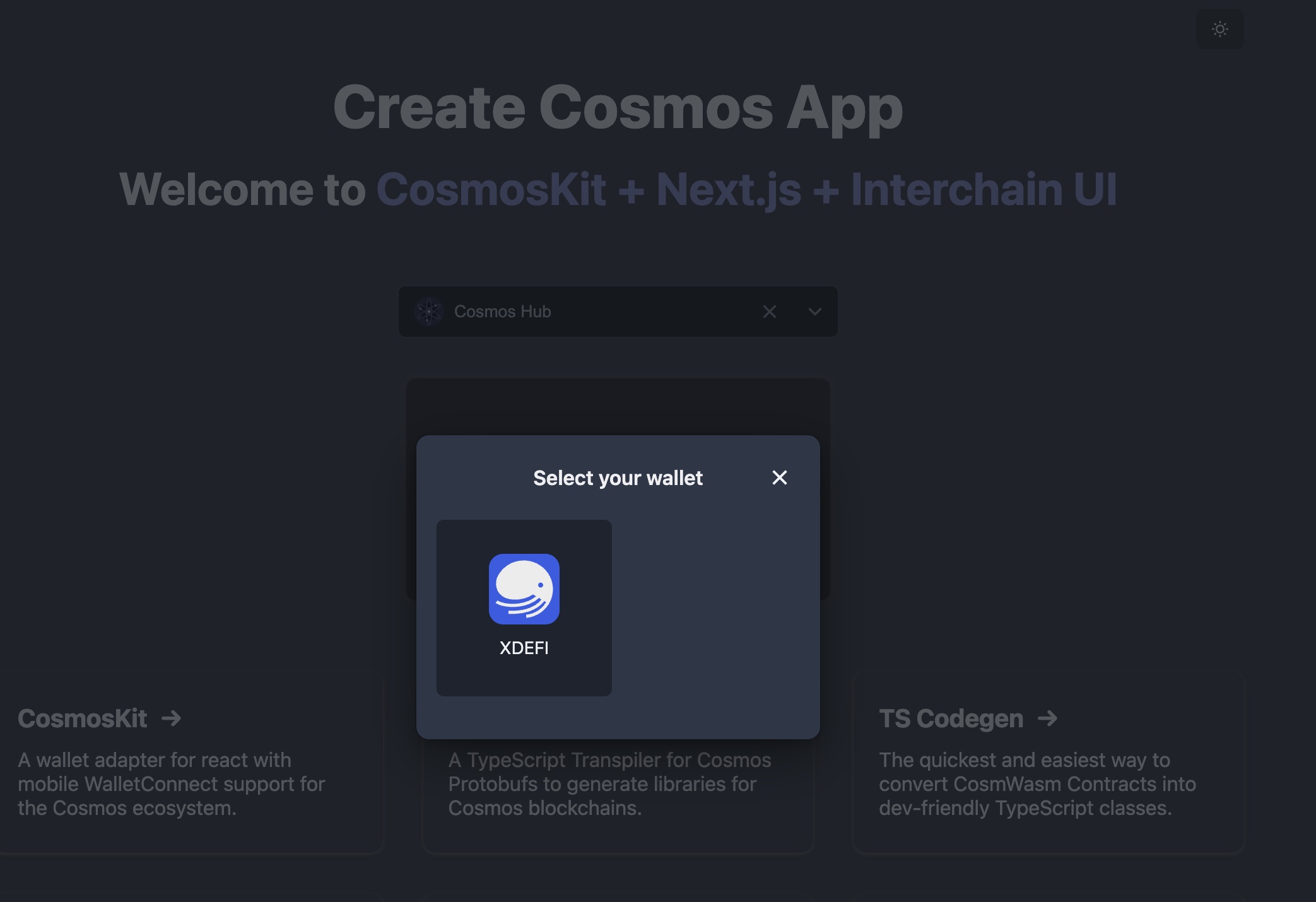
Best way to get started with CosmosKit is to scaffold new app from terminal with create-cosmos-app
bash
yarn create cosmos-appNext, you will need to install 2 packages for the Ctrl (fka XDEFI):
@cosmos-kit/xdefi@cosmos-kit/xdefi-extension
@cosmos-kit/xdefi export all available Ctrl Wallets (currently only extension available), while if you only want to add a particular one, choose @cosmos-kit/xdefi-extension
Note: all these packages export
walletsand it's an array ofMainWalletBase
Take @cosmos-kit/xdefi for example
add @cosmos-kit/xdefi
bash
yarn add @cosmos-kit/xdefiimport the wallets
javascript
import { wallets as xdefi } from "@cosmos-kit/xdefi";add to your provider
javascript
function MyCosmosApp({ Component, pageProps }: AppProps) {
  return (
      <ChainProvider
        chains={chains}
        assetLists={assets}
        wallets={[...xdefi]}
        walletConnectOptions={...} // required if `wallets` contains mobile wallets
      >
        <Component {...pageProps} />
      </ChainProvider>
  );
}

export default MyCosmosApp;
we're done!